
Frequently Asked Questions (FAQ)
This page summarizes common issues and solutions when using QingSui Box.
🖥️ KVM Interface Display Issues
Q1: No Display in KVM Interface?
Depending on different display situations, causes and solutions are as follows:
Situation 1: Black Screen

Cause: Issue with the controlled device itself.
Solution:
- Check if the controlled device is powered on
- Check if the controlled device is faulty
- Try connecting a monitor directly to test device output
- Check the controlled device's power indicator status
Situation 2: Colored Stripes Display

Cause: QingSuiBox is not capturing the controlled device's display.
Solution:
- Check the HDMI cable connection between QingSuiBox and controlled machine
- Confirm both ends of HDMI cable are plugged in securely
- If possible, try replacing with another HDMI cable
- Check if the controlled device's HDMI output port is working properly
Situation 3: NO SIGNAL Display
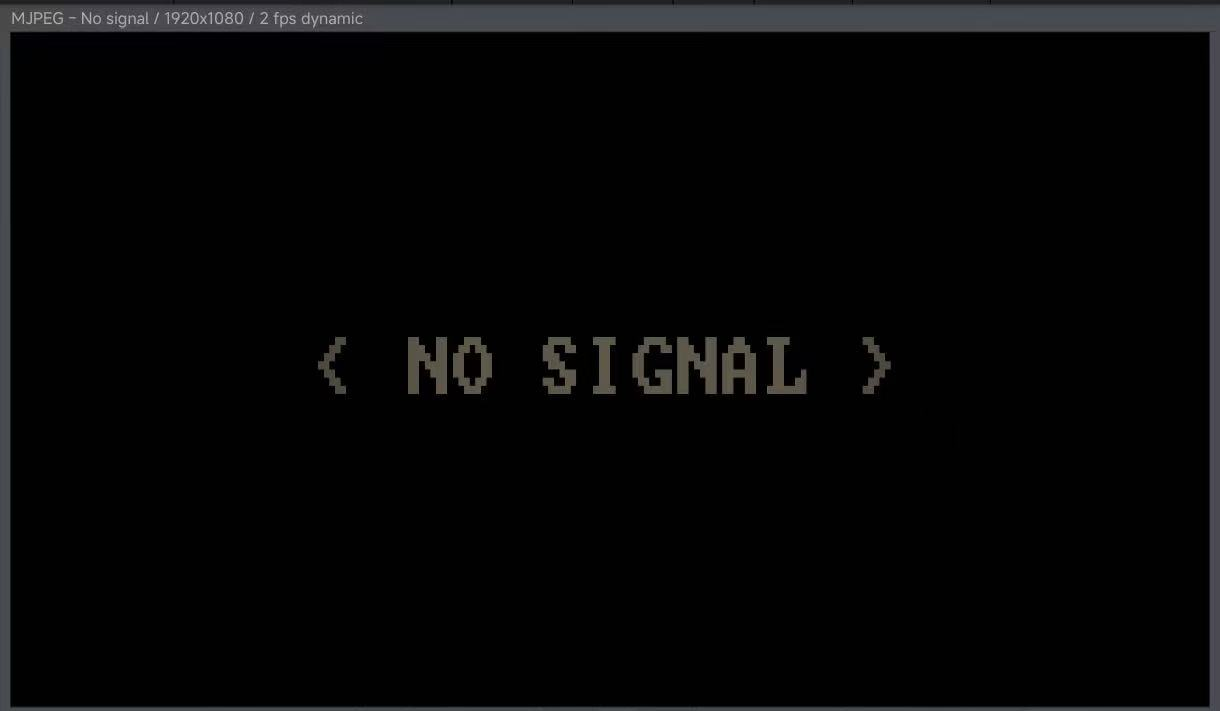
Cause: Possible internal capture card failure.
Solution:
- ⚠️ Please contact our after-sales service
- 📞 Provide device SN code and fault screenshot
🖱️ Keyboard & Mouse Control Issues
Q2: Keyboard & Mouse Not Responding?
Solution:
- Confirm USB data cable is connected to an available port on controlled device
- Re-plug USB connection if necessary
- Check if controlled device recognizes the USB device
🌐 Network Connection Issues
Q3: Remote Access Lagging?
Solution:
- Prioritize wired network connection
- Lower quality settings
- Check network bandwidth and jitter
- Ensure router performance is good
Q4: Cannot Bind Device?
Solution:
- Confirm control device and QingSuiBox are on the same network
- Check cloud login status
- Reset pairing code and retry
- Ensure device is not bound by another user
💿 System Installation Issues
Q5: Restart Enters Installation Interface Again After Installation?
Cause: Did not disconnect MSD virtual CD connection.
Solution:
- Enter KVM interface
- Open drive panel
- Click "Disconnect" button
- Restart device
Q6: PCDN System Installation Failed?
Cause: Used UEFI boot mode.
Solution:
- Enter BIOS settings
- Find Boot options
- Change Boot Mode to Legacy (Legacy Boot)
- Save and reinstall
🔐 Security Related Issues
Q7: What is the SSH username and password for QingSuiBox?
For security considerations, SSH credentials are not provided at this time.
- QingSuiBox device has been security hardened
- SSH remote login is disabled by default
- All operations can be completed through the Web control panel
- For special requirements, please contact technical support
💰 About Pricing
Q8: Are the tunnel service and CDN download features charged?
Completely free, forever!
Tunnel Service:
- QingSuiBox devices purchased through official channels
- Tunnel service is permanently free
- No additional fees, ready to use out of the box
CDN Download:
- CDN download source servers are sponsored by our sponsors
- Currently no fees are charged to users
- Enjoy nationwide node acceleration service
💡 Note: We are committed to providing high-quality free services to users. Thanks to our sponsors for their strong support!
📞 Contact Us
If the above methods cannot solve your problem, please contact our technical support:
- 💬 WeChat: DHER666
- 📧 Email: 75348984@qq.com
Please prepare the following information for quick processing:
- Device SN code
- Problem description and screenshots
- Usage environment (controlled device model, network conditions, etc.)